As a result, I’ve been eyeing a new home for my reading notes that might stretch to include my journal and other longer forms of writing. One place for all my words.
Section break below:
A Footnote Example
The obvious choice for most serious note-takers is Obsidian, an app that has exploded in popularity over the past three years. Obsidian is available on most platforms, stores everything in plain text files, takes linking and back-linking to new heights of efficiency and geekiness, and can be customized with a vast array of visual themes and function-adding plugins. Technology bloggers celebrate Obsidian’s ability to easily handle their notes, journaling, and writing.
Footnote at the end of this paragraph:
Obsidian may be the perfect app for many, or even most. Just not me. I packed up my notes and returned to Craft.1
Captioned Photo
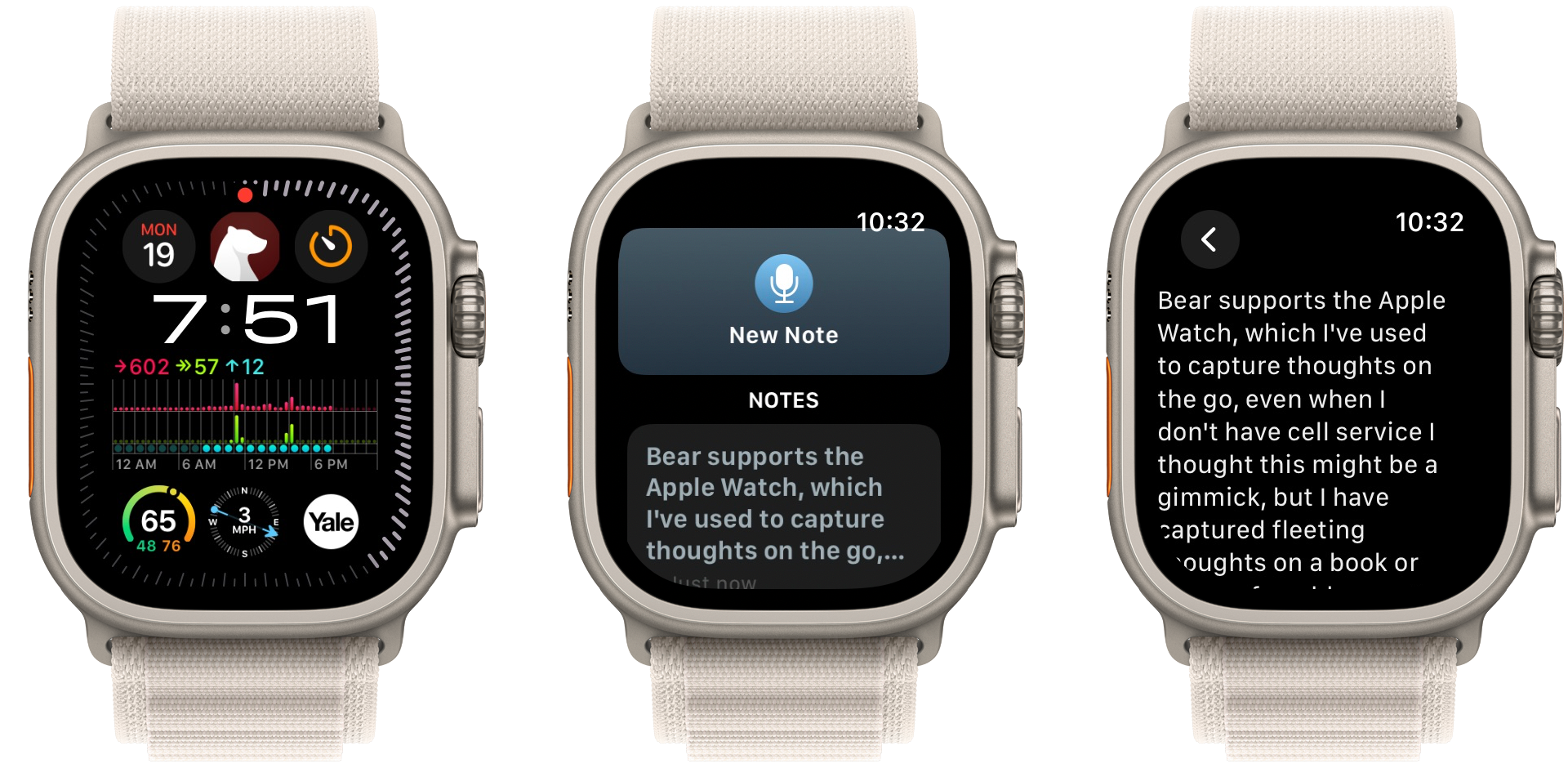
Bear also supports the Apple Watch to capture thoughts on the go. I thought this might be a gimmick, but I have used it on walks to record notes on audiobooks that I doubtless would have forgotten otherwise.
A Table
| Features | Craft | Obsidian | Bear |
|---|---|---|---|
| Intuitive Design | 8 | 4 | 9 |
| Note Linking | 9 | 9 | 7 |
| Mobile Experience | 8 | 5 | 9 |
| Performance/Stability | 7 | 9 | 9 |
| Search | 5 | 10 | 10 |
| Versatility | 6 | 9 | 9 |
| Future Proof | 7 | 9 | 9 |
| Security / Backups | 3 | 8 | 9 |
| Cost | 6 | 8 | 10 |
| Overall | 6.6 | 7.9 | 9.0 |
More Footnotes:
Scorecard Notes: Note Linking 2; Future Proof 3
Block Quote
I’ve put Bear through its paces these last six weeks. I wrote a half dozen literature notes, over forty journal entries, and four blog posts. I expected Bear’s charm to wear off a little, but the joy is real. I am a little startled at how taken I am with the app.
It is all right to wallow in one’s journal; it is a way of getting rid of the self-pity and self-indulgence and self-centeredness. What we work out in journals we don’t take our on family and friends.
So you can focus all your energy on doing one thing incredibly well. The Bear team at Shiny Frog must subscribe to this view. They’ve brought a laser-like focus to making an elegant, powerful writing and notes app for the Mac, iPad, and iPhone. For some lucky minority, Bear represents note-taking nirvana, an app closer in spirit to old-school typewriters and handwritten journals than typical feature-bloated software. An app that disappears into the background, letting you zero in on the most essential thing: your words.
- An example footnote. ↩
- Obsidian has world-class back-link capabilities, including unlinked mentions, but loses a point on presentation. Back-links are littered with brackets and garish yellow highlights that are difficult to read and give me headaches. ↩
- Craft loses points because alias wiki links revert to the original note name when exported. This export error affected nearly 100 of my Craft notes and took time to track down and correct. Obsidian ought to get a perfect ten since it stores everything in plain text, but the app lacks a TextBundle export function to preserve file links when moving to any other notes app. ↩
Leave a Reply